
문제
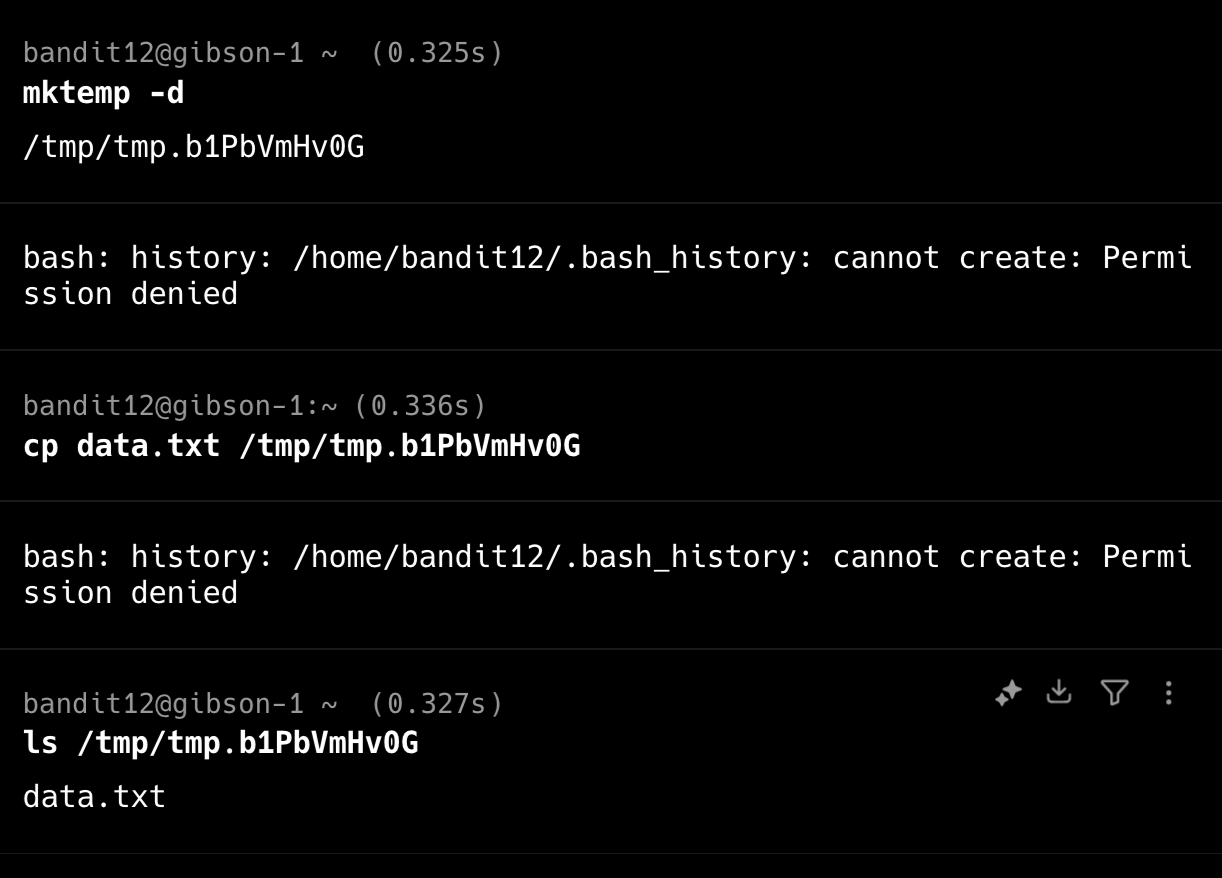
The password for the next level is stored in the file data.txt, which is a hexdump of a file that has been repeatedly compressed. For this level it may be useful to create a directory under /tmp in which you can work. Use mkdir with a hard to guess directory name. Or better, use the command “mktemp -d”. Then copy the datafile using cp, and rename it using mv (read the manpages!)
## 문제 요구사항
반복적으로 압축된 파일의 헥스덤프인 data.txt 파일에 저장
이 레벨에서는 /tmp 아래에 작업할 수 있는 디렉토리를 만드는 것이 유용할 수 있습니다.
디렉토리 이름을 추측하기 어려운 mkdir를 사용하세요. 또는 "mktemp -d" 명령을 사용하는 것이 좋습니다.
그런 다음 cp를 사용하여 데이터 파일을 복사하고 mv를 사용하여 이름을 변경합니다

## 내가 사용한 명령어
1) Hex dump ↔ 원본 변환 (xxd)
Hex → 원본 : xxd -r file.txt > out.bin
원본 → Hex : xxd file.bin > out.hex

2) gzip (.gz)
압축 해제 : gunzip file.gz / gzip -d file.gz
압축 : gzip file

3) bzip2 (.bz2)
압축 해제 : bunzip2 file.bz2 / bzip2 -d file.bz2
압축 : bzip2 file

4) xz (.xz)
압축 해제 : unxz file.xz
압축 : xz file

5) tar (.tar)
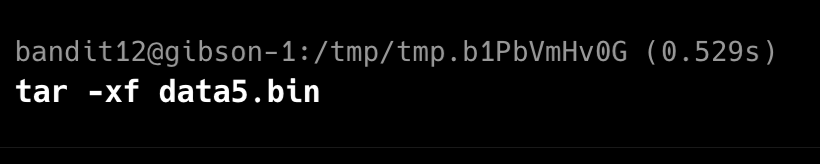
압축 풀기 : tar xf file.tar
압축 만들기 : tar cf archive.tar files...

6) 파일 타입 검사 (압축 종류 확인)
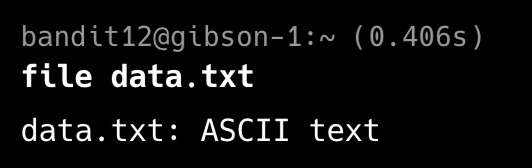
file filename

랜덤 폴더 자동 생성 : mktemp -d
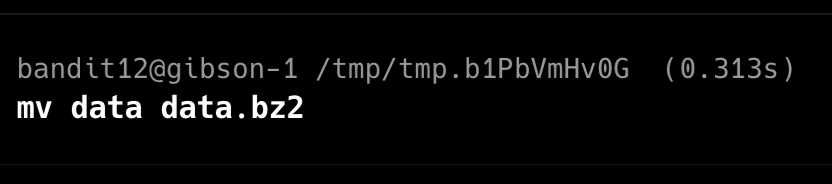
이름 변경 : mv old new
임시 폴더 생성 및 파일 복사
임시 폴더로 이동

Hex dump -> 원본

gzip



bzip


tar


'Security > OverTheWire' 카테고리의 다른 글
| Bandit Level 14 → Level 15 (nc, 네트워크 관련 명령어) (0) | 2025.12.01 |
|---|---|
| Bandit Level 13 → Level 14 (ssh download - scp, chmod) (0) | 2025.12.01 |
| Bandit Level 11 → Level 12 (tr) (0) | 2025.12.01 |
| Bandit Level 10 → Level 11 (base64) (0) | 2025.12.01 |
| Bandit Level 9 → Level 10 (strings) (0) | 2025.12.01 |


