
문제
The credentials for the next level can be retrieved by submitting the password of the current level to a port on localhost in the range 31000 to 32000. First find out which of these ports have a server listening on them. Then find out which of those speak SSL/TLS and which don’t. There is only 1 server that will give the next credentials, the others will simply send back to you whatever you send to it.
## 문제 요구사항
비밀번호를 localhost의 포트에 제출하여 확인
먼저 이 포트들 중 어느 포트에 서버가 대기하고 있는지 확인
다음으로 SSL/TLS를 사용하는 포트와 사용하지 않는 포트를 찾기
다음 자격 증명을 제공하는 서버는 단 하나뿐이며, 다른 서버는 사용자가 보내는 모든 것을 다시 보내준다.

## 내가 사용한 명령어
ssh bandit16@bandit.labs.overthewire.org -p 2220
nmap -p31000-32000 localhost
echo "$(cat /etc/bandit_pass/bandit16)" | openssl s_client -connect localhost:검색된포트번호
파일 속 PRIVATE KEY를 복사해서 로컬에 저장 nano bandit.key
chmod 600 bandit.key

## 왜 이 명령어를 골랐는가
nmap -p31000-32000 localhost : 31000~32000 사이의 TCP 포트들 중에서 “열려 있는(open)” 상태인 포트를 찾아주는 명령어다.
nmap → 포트 스캔 도구
-p31000-32000 → 31000~32000 범위의 포트 전체를 스캔
localhost → 지금 로그인한 서버(=Bandit16 서버)

## 어떤 시행착오를 겪었는가
-----BEGIN RSA PRIVATE KEY-----
키 데이터
-----END RSA PRIVATE KEY-----
위 문자도 같이 복사해야함.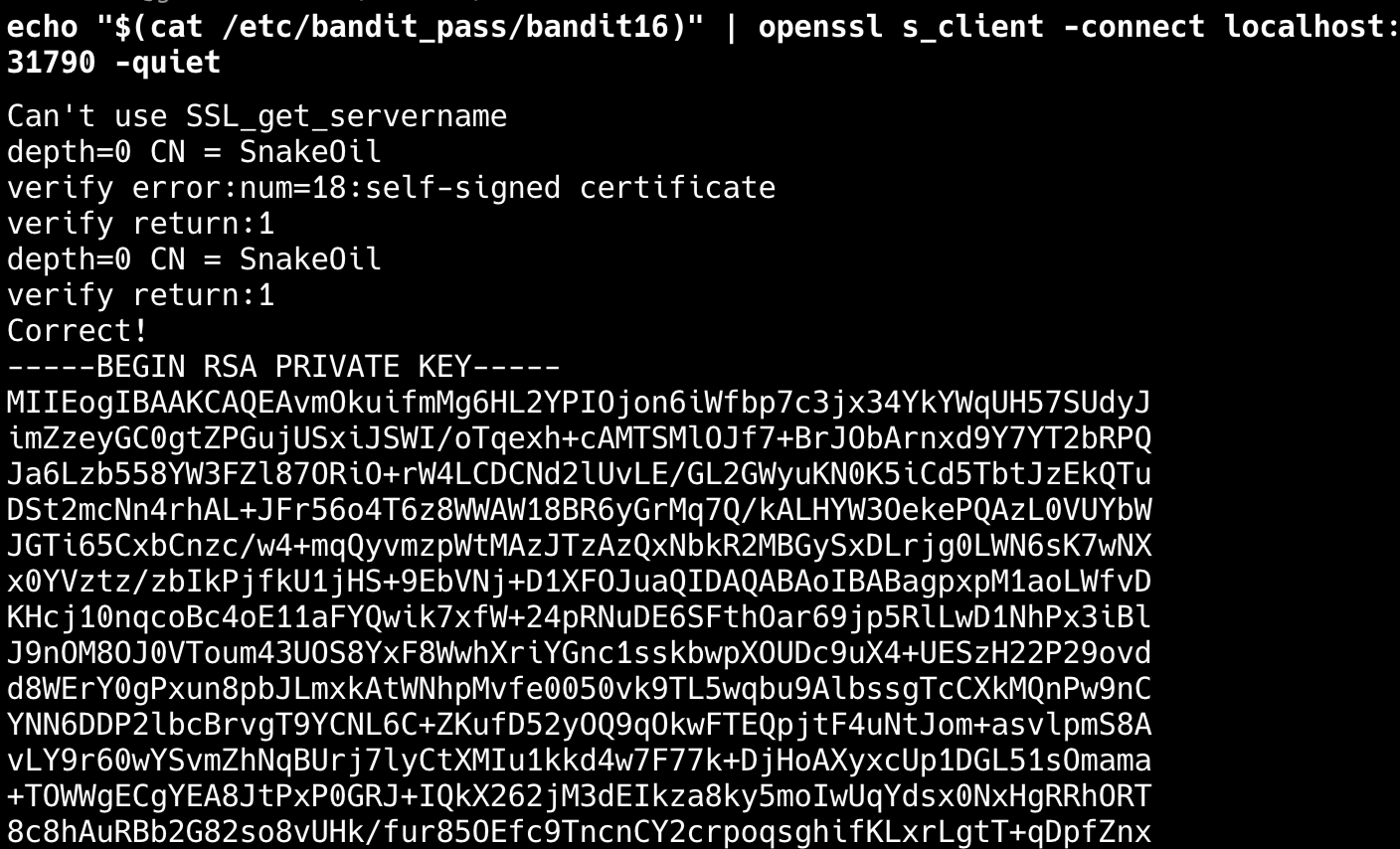
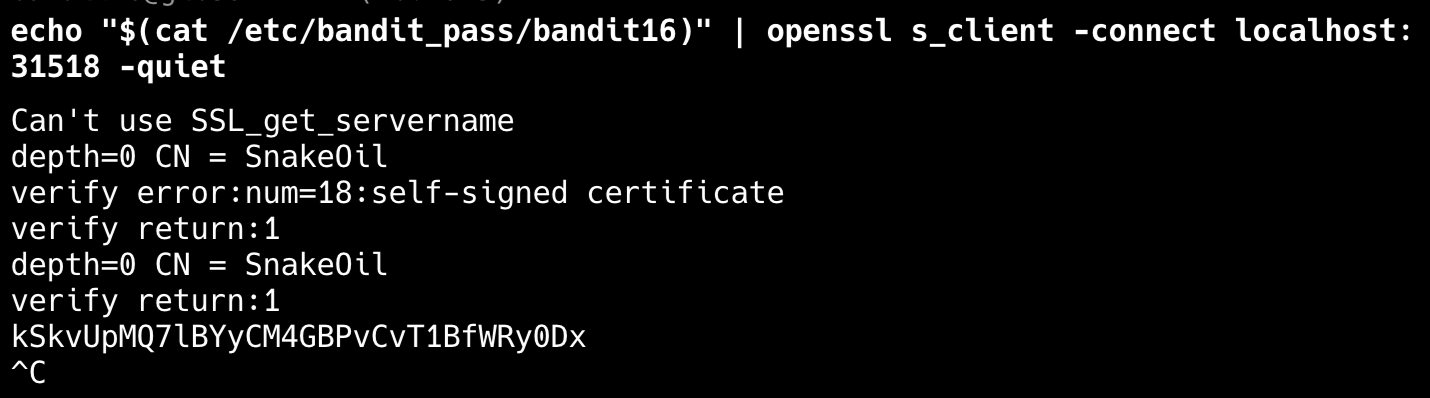
아래는 응답이 없는 echo 서버
'Security > OverTheWire' 카테고리의 다른 글
| Bandit Level 18 → Level 19 (쉘 스크립트 우회) (0) | 2025.12.01 |
|---|---|
| Bandit Level 17 → Level 18 (diff) (0) | 2025.12.01 |
| Bandit Level 15 → Level 16 (SSL/TLS - openssl) (0) | 2025.12.01 |
| Bandit Level 14 → Level 15 (nc, 네트워크 관련 명령어) (0) | 2025.12.01 |
| Bandit Level 13 → Level 14 (ssh download - scp, chmod) (0) | 2025.12.01 |


