
문제
The password for the next level can be retrieved by submitting the password of the current level to port 30001 on localhost using SSL/TLS encryption.
Helpful note: Getting “DONE”, “RENEGOTIATING” or “KEYUPDATE”? Read the “CONNECTED COMMANDS” section in the manpage.
## 문제 요구사항
SSL/TLS 암호화를 사용하여 현재 레벨의 비밀번호를 로컬호스트의 포트 30001에 제출하면 확인

## 내가 사용한 명령어
ssh bandit15@bandit.labs.overthewire.org -p 2220
cat /etc/bandit_pass/bandit15
openssl s_client -connect localhost:30001
read R BLOCK 아래에 비밀번호 입력

## 왜 이 명령어를 골랐는가
openssl s_client -connect localhost:30001
openssl → 암호화/SSL 관련 툴 모음
s_client → “SSL 클라이언트” 모드로 실행
-connect localhost:30001 → 접속할 대상 지정

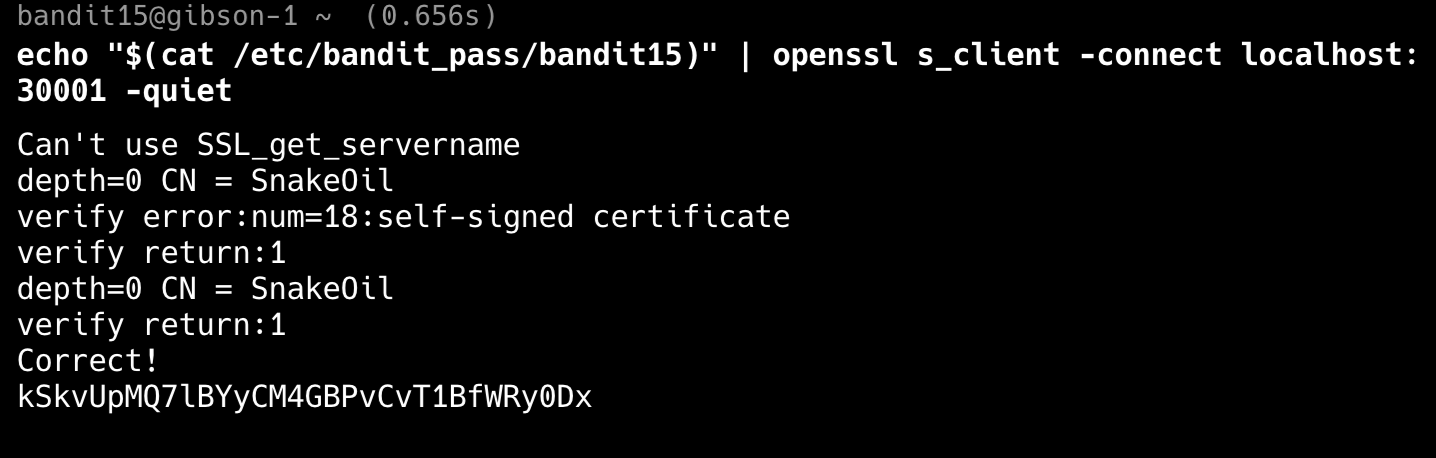
메시지 전체를 한 줄에 작성하면 아래와 같다.
echo "$(cat /etc/bandit_pass/bandit15)" | openssl s_client -connect localhost:30001 -quiet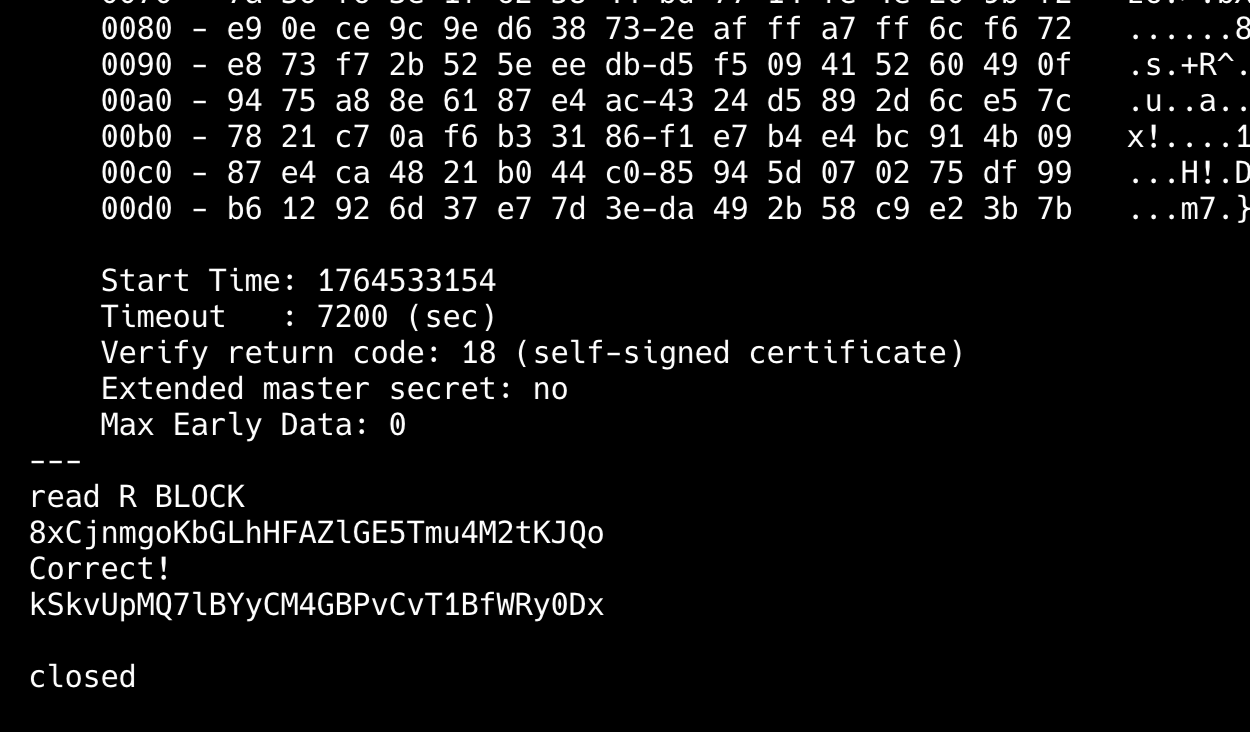
'Security > OverTheWire' 카테고리의 다른 글
| Bandit Level 17 → Level 18 (diff) (0) | 2025.12.01 |
|---|---|
| Bandit Level 16 → Level 17 (nmap) (0) | 2025.12.01 |
| Bandit Level 14 → Level 15 (nc, 네트워크 관련 명령어) (0) | 2025.12.01 |
| Bandit Level 13 → Level 14 (ssh download - scp, chmod) (0) | 2025.12.01 |
| Bandit Level 12 → Level 13 (압축 관련) (0) | 2025.12.01 |


